Your phone or tablet is your guide. Your piano is where the music happens.
01
Find your starting point
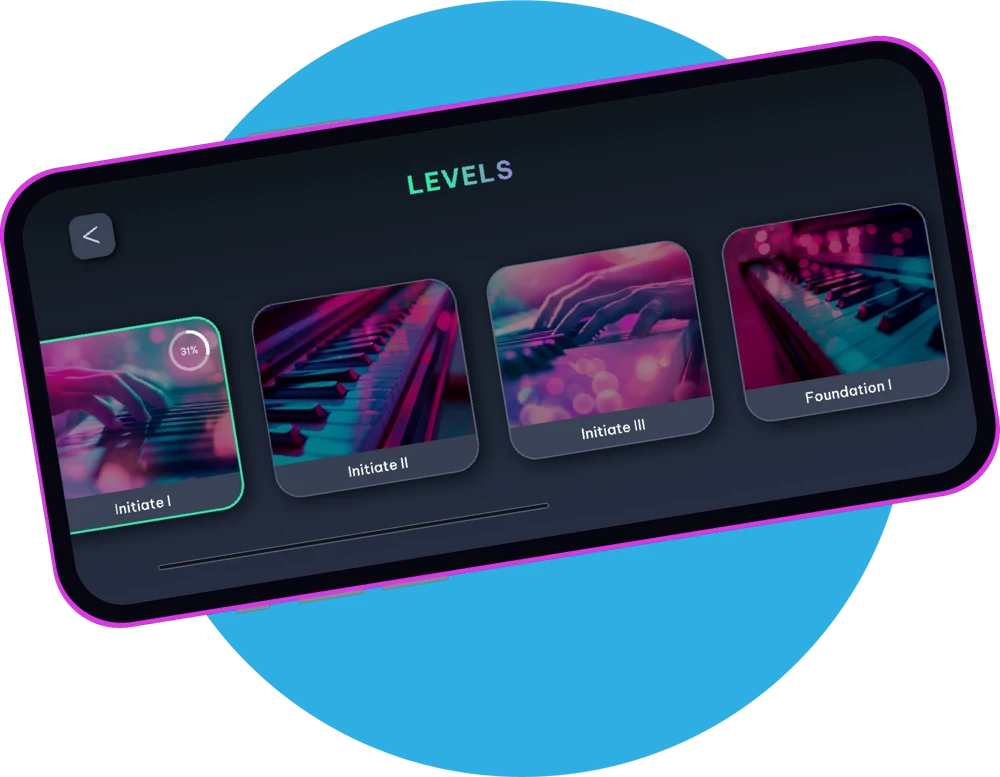
Brand new to piano? Start with the basics. Already know a little? Build on it with lessons for your level.
02
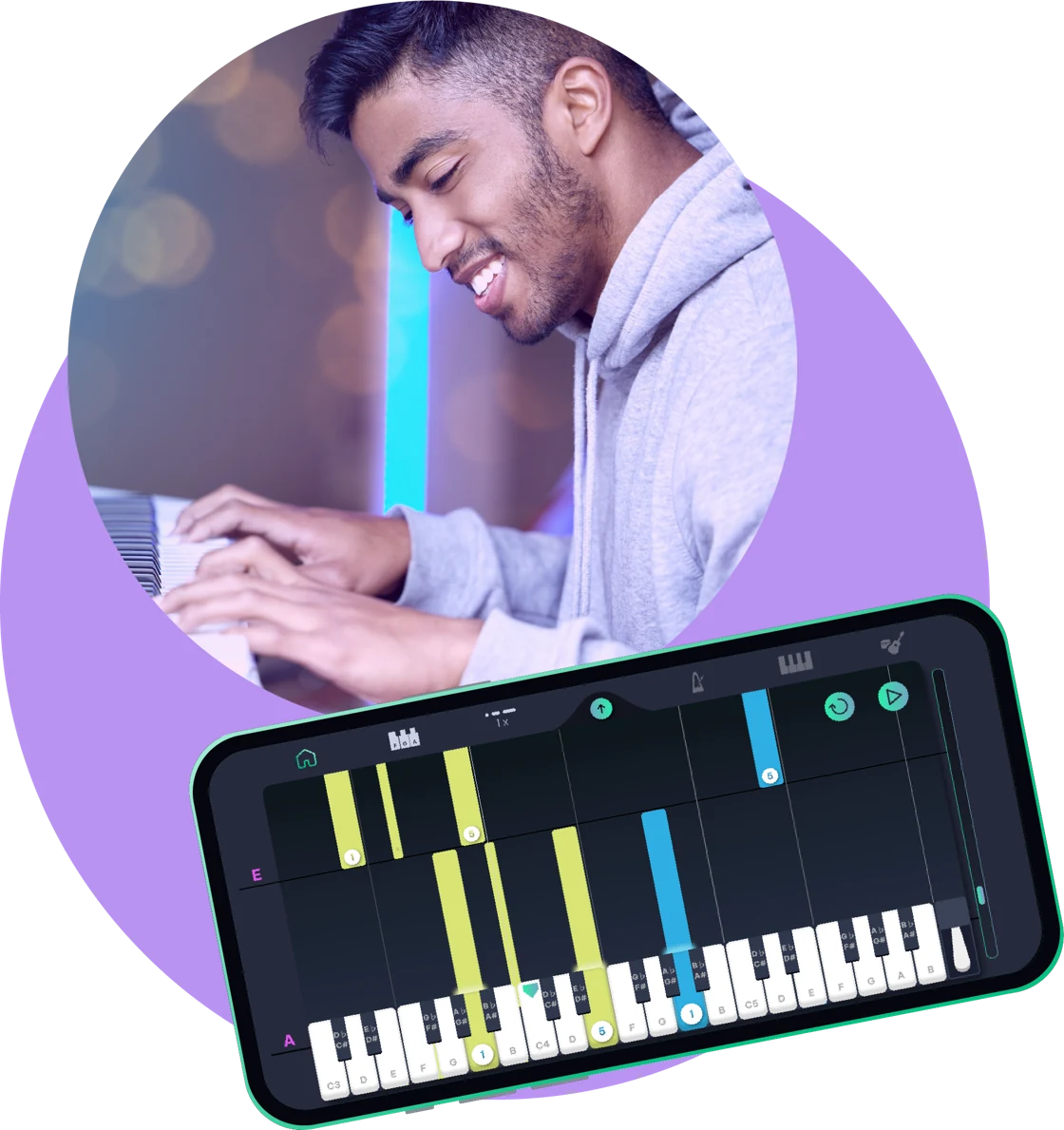
Follow the falling notes
See which notes make up each chord and when to play them. Follow the visual guide through each lesson.
03
Play on your own piano
Put the lesson into practice on your instrument. Repeat a section and take your time getting comfortable.
A real piano or keyboard is needed. EasyKeys guides you visually; it doesn't connect to your instrument, listen to your playing, or score your notes.
02 / EXPLORE EASYKEYS
More than the melody. Discover what chords can do.
A PLACE TO BEGIN. ROOM TO GROW.
Small steps. Real progress.
Get to know the keyboard, build your first chords, and move into rhythms and accompaniment. Follow a path that gives you something new to play, one lesson at a time.
Lessons for different starting levels
Revisit tricky parts whenever you need
Move forward when you feel ready
GET TO KNOW THE MUSIC
Play the chord. See how it fits.
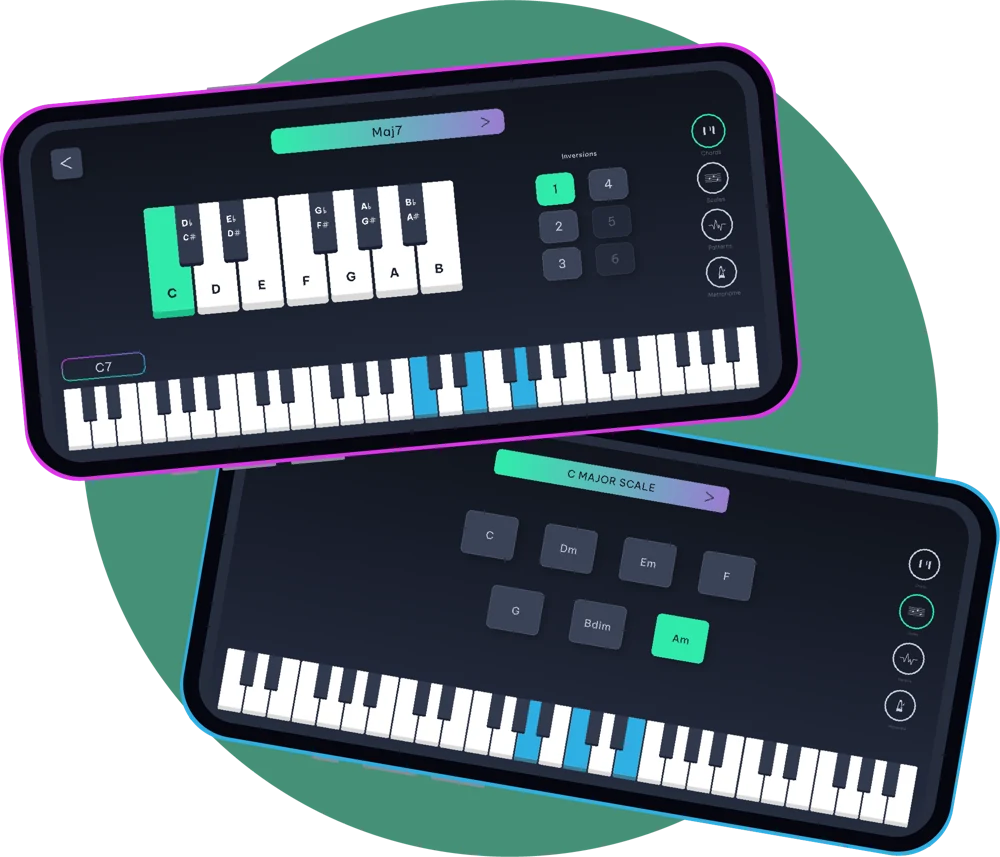
Explore chords, scales, and rhythmic patterns alongside your lessons. Make sense of what you're playing and discover the building blocks behind the music.
A little understanding goes a long way.
MAKE IT YOURS
One piano. Different journeys.
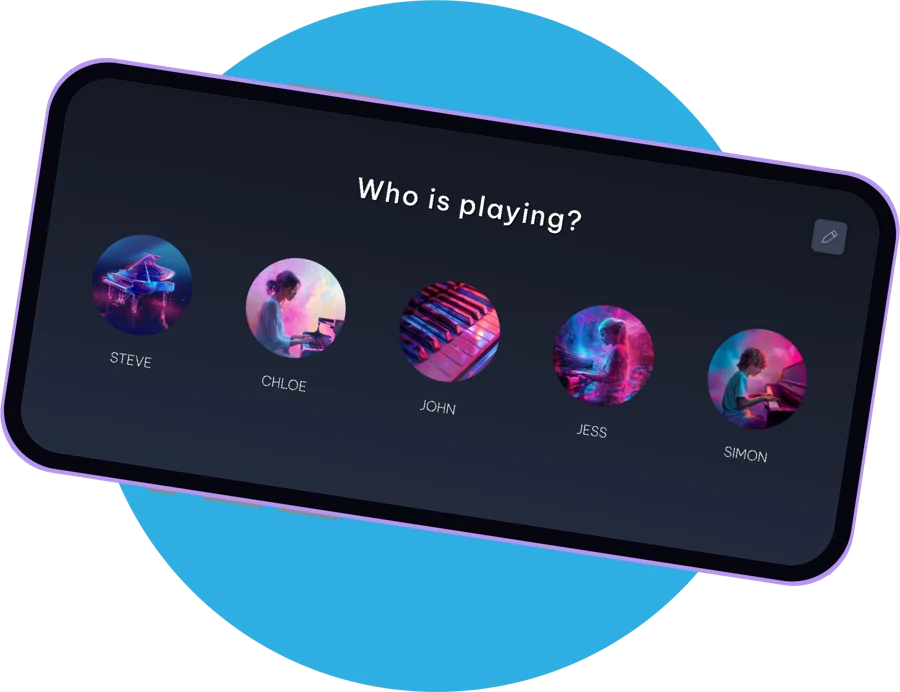
Learning together? Each person can have their own profile and follow their own progress. Make space for music in your family's day.
Yes. EasyKeys is for complete beginners as well as people who already know some piano. Start with the basics or choose lessons that build on what you know.
What do I need to use EasyKeys?
You'll need a real piano or keyboard and a compatible iOS or Android phone or tablet. Keep the app where you can see it while you follow the lessons on your instrument.
Does it connect to my piano or listen to me?
No. EasyKeys doesn't connect through MIDI or listen through your microphone, and it doesn't automatically detect or correct your notes. You follow the on-screen lessons and play along on your own piano or keyboard.
What will I learn?
The focus is piano chords and accompaniment. Work through visual lessons and explore chords, scales, and rhythms to build your understanding and playing skills.
Can I learn at my own pace?
Absolutely. Revisit lessons and scroll back to a section you want to practise again. You decide when you're ready to mark a lesson complete and move on.
Can I try EasyKeys for free?
Yes. The annual plan includes a 7-day free trial. To start it, activate an annual subscription in the App Store or Google Play. It becomes paid when the trial ends unless you cancel in time through the same store. Review the price and renewal terms before confirming.
✦ YOUR PIANO IS WAITING
A new chord. A little more music.
Try the annual plan free for 7 days and see where your fingers take you.